
quarterly dashboard refresh in notion
why quarterly?
i love to mix things up quarterly - this feels like a good amount of time to remove anything that’s feeling stale and to bring in fresh vibes & intentions for focus in the upcoming few months. monthly feels like too quick of timeframe, but as a few months go by, i’m definitely itching for something new!
so let’s dive right in!
tuning in & setting intentions
the first thing i do is tune in to myself & my business and determine what intention, vibes, and energy i want to call in and focus on for this quarter. i come up with some words, phrases, mantras, feelings, images that convey what i’m going for. and i choose a color to go along with it.
this quarter i decided to focus on my brand color which is lovingly named, “pumped up lime” because i need some extra pumped up vibes during these cold, dark winter months. since depression is part of my mental health repertoire, i do not want to lean into anything that feels that way to me, so i am focusing on all the sunshiney vibes i can, while still staying cozy & accepting the reality around me… my mental health is the most important thing i focus on in my life (personal and business)- my self-care comes first. so i love being able to choose a color as part of my self care. that feels cool.
i like to check out unsplash for royalty free images. and since i’m collecting images for my personal notion, i’ll also sometimes do a google image search if i’m looking for something specific that’s not in unsplash.
creating collages in canva
then it’s time to dump the images and colors into my collages in canva.
these are all going on my notion daily dashboard.
i make a new header cover image, an archetypes/vibes mood collage, a mantra image, and then i sprinkle some other various images throughout the dash.
i turned these all into free templates for you - if you’d like to spruce up your notion workspace, sign up for the canva templates below!
swap out notion dashboard images
now it’s time to swap them all out inside my dashboard!
cover image
divider bar images
collage image
quote photo
other image swaps throughout the dash
additional quarterly refresh steps
(outside of Notion)
some other things i like to do in my quarterly refresh:
desktop background swap
i also like to find a fresh image for my desktop background. i’m not gonna do that right now cuz i’m still on the hunt for the right feel.
iPhone digital spell
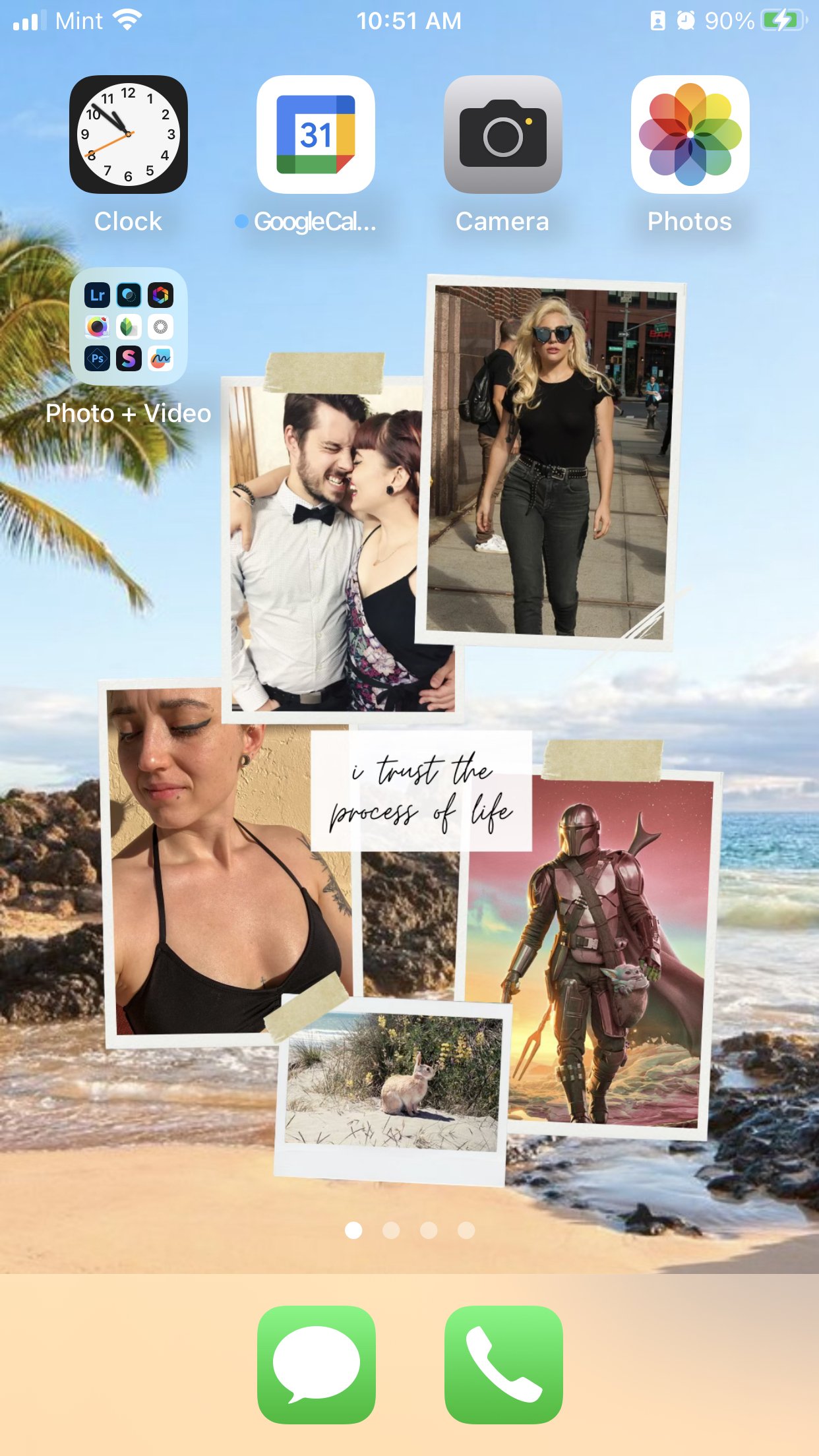
and then i update a collage for my iphone screen background. which i call a little digital spell (the concept i learned about from holisticism). digital spells are what all of this is, really. it’s calling in the intentions & feelings that i wanna bring in. and on my phone it’s usually different than what i put in my notion dashboard, because my phone is more of a personal space for me.
physical world refresh - whiteboard
and then in the physical world, i have a whiteboard on the wall next to me that i completely erase, and wipe down with alcohol so it’s a super fresh start. i’ve got some of my fav pics hanging on it and i write down my weekly affirmation/mantras/intentions that i choose during my weekly review (my MHO) and any other quotes or positive messaging that i want to focus on for the quarter.
and that’s my quarterly refresh process! thanks for hanging out with me today and putting it all together.
If you’re looking for more support in setting up or refining your Notion systems to work with your beautiful brain, check out our current Notion offerings here:
More where that came from
If you’d like to see more posts about Notion, check out the others by clicking on an image below:

In this video I go over:
why this dashboard
simplicity
where the dash lives
naming the dash
emoji for categorization
accessible resources & links
templates shop & custom notion dashboards
parking lot
homework
positive beliefs & emdr
appointment notes database
favorites bar
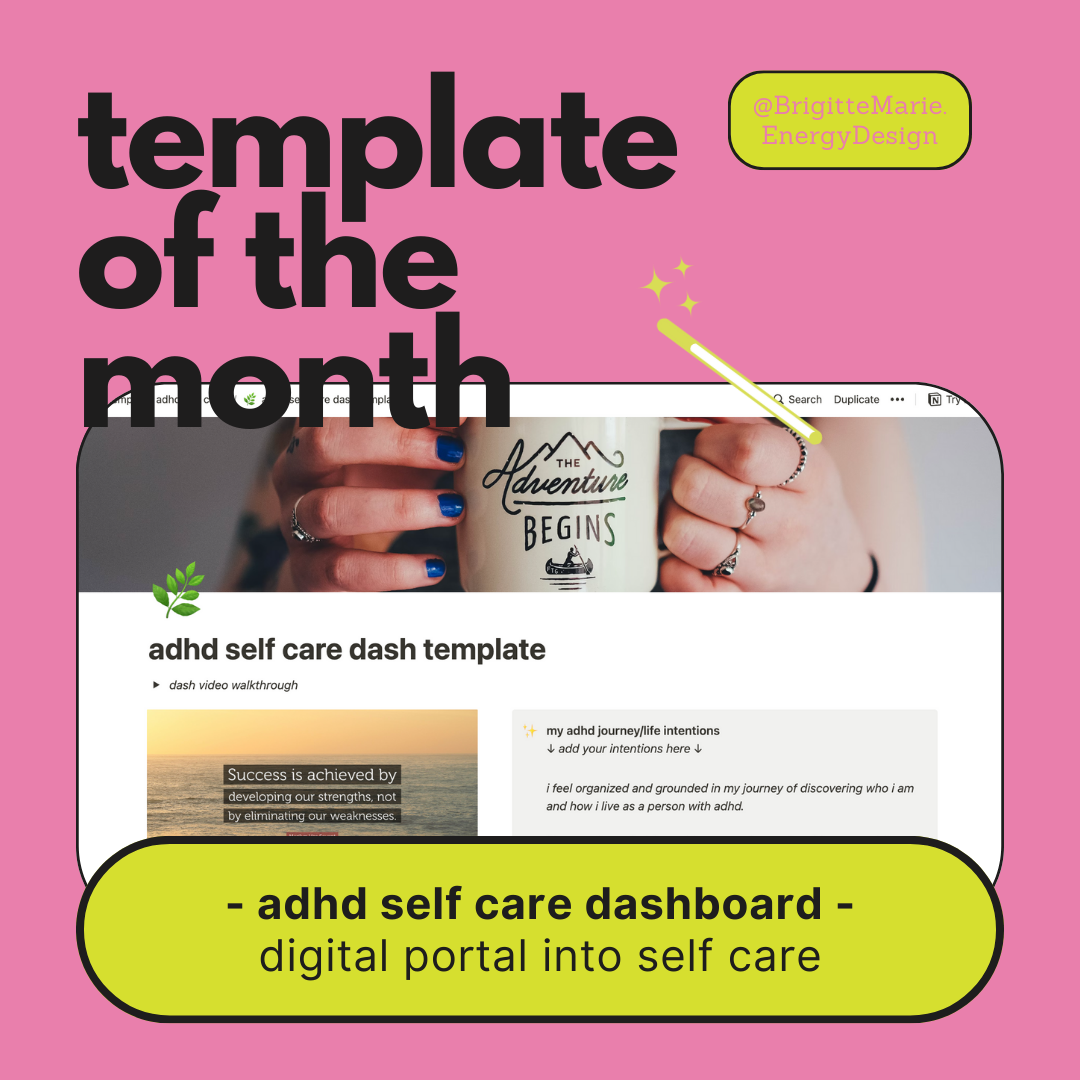
adhd self care dashboard - notion template: a digital portal into self care and empowerment for folx with adhd

In this video I go over:
who this dash is good for
welcome & helpful hints
included databases
page anchor & digital spell
current projects database view
inbox & processing station
weekly task view & mho (monday hour one weekly planning station)
where to get the template
custom dashboard personalization
holy grail hq: fully-built Notion operating system

In this video I go over:
what i save in my second brain
inputting into second brain
database properties
second brain dashboard
using my second brain: tags database
using my second brain: projects database
holy grail hq business system notion template
In this video I go over:
why checklists don’t work
my habit tracker origin story
database calendar view
habit tracker properties
workout dashboard example
how i use this tracker
weekly review example
images that spark joy
habit tracker template


In this video I go over:
purpose of a page anchor
mho daily dashboard example
mobile app example
how to create the page anchor
back to top of page

In this video I go over:
RAPTR productivity system
my simple areas
my fav area
filing cabinet analogy
PARA and what didn’t work
areas database set up in Notion
areas rollup in tasks database
In this video I go over:
i didn’t like emojis at first
why i use emojis for adhd
why i don’t use aesthetic icons
emojis in the Holy Grail HQ
emojis help with focus on tasks & projects
areas of my system
emoji templates in my inbox
personal life - habit tracker
using these emojis outside of notion

In this video I go over:
little bit of my hair dye backstory
why this dashboard
my original record keeping process that didn’t work
my personal hair dye dashboard walkthrough
my fav hair over the years
properties i’m tracking in this database
dashboard thoughts for the future
visual aspects
making things even easier for myself using my tasks database
what the template looks like
how to add your own filtered view of your Second Brain database (from the Holy Grail HQ) onto the dashboard

In this video I go over:
why i want to live a joyful life
the experiment
integrating a joyful life with my adhd
inspiration for my template
what i used to track in my daily journal
simplifying: my 3 essential questions
visual journaling aspect
how i use this journal
the most impactful part: reviewing
integrating the joy journal into your Holy Grail HQ weekly reviews

In this video I go over:
what i used before notion
monday hour one - weekly planning
scheduling tasks by energy level
adhd diagnosis, the grief cycle, structure
daily task process
info inside task pages
example tasks
completed tasks & rescheduling

In this video I go over:
the organizational system I use to run my biz & life
acronym = dopamine hit
Holy Grail HQ Notion template
Areas
Projects
Tasks
Goals
Second Brain (Reference Library)
getting started, one step at a time

In this video I go over:
Why it’s important to have an inbox, especially for neurodivergent people like me
How the KonMari method helped me with my digital systems
How I enter things into my inbox
Essential inbox properties
Why I don’t empty my inbox
How I process my inbox
How often I process my inbox

Welcome to my Notion dashboard quarterly refresh.
Time to tune in, set intentions, make some mood board collages & give my Notion dashboard an aesthetic reset!
Plus FREE canva templates!

MHO is the first thing I do when I sit down to work for the week. It’s my time to plan out the week.
I’ve been building and refining my system inside Notion for over 2 years now, and after much experimenting, data collecting, and refining, this is what I’ve found that works best for me and my beautiful ADHD brain.

Last week, I held a little celebration ritual in private. I gave thanks to myself, my business, everything I have learned, all the ways I’ve grown, all the people who have had an impact on helping my business shape and grow into what it is, and to all the lovely people I have gotten to work with. I sat here, at my desk, in awe, wonder, amazement, and feeling so grateful and also very proud.

The change of seasons is an excellent time to do a lil energetic and organizational reset around your home. Here are some of my favorite rituals to do on or around the fall equinox (or just anytime during the season)!
These practices are part of my regular self-care routine that help me to take care of my physical and mental health so that I am better able to show up in the world to do all the things I love!
This past week in therapy, my therapist and I were talking about intrusive thoughts, anxiety, worry, and adhd. I explained to her an example of something challenging that I had been dealing with that morning.
My lovely therapist said, “Brigitte, that’s textbook ADHD.” She then opened up the DSM and read me the characteristics of ADHD.

I’ve been working on tapping into more joy and pleasure. I re-started using a daily journal in Notion, and swapped out everything I was previously tracking for just two properties: joy and gratitude.


In this video I go over:
headquarters for organization
daily dashboard for task and project management
content creation dashboard
second brain dashboard for saving resources
SOP’s - standard operating procedures